
How to change the default search engine in /e/OS browser?
EditThe /e/OS Browser uses Murena Search by default. You can switch to another search engine from the Browser settings at any time.
-
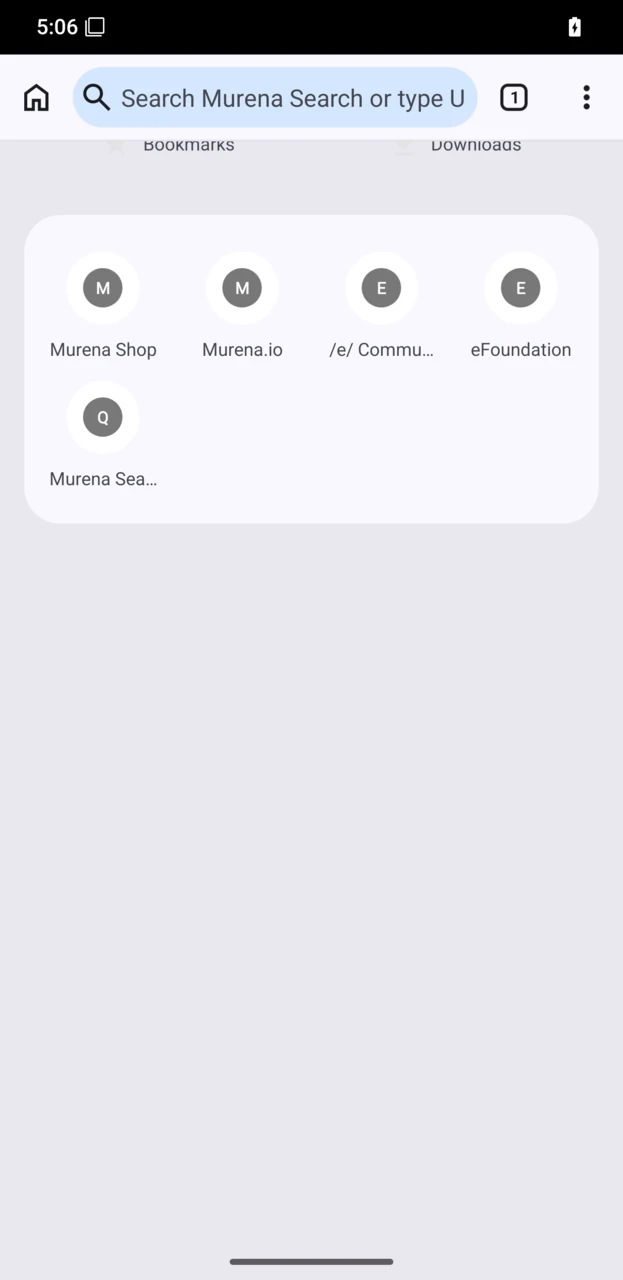
Open the /e/OS Browser.
-
Tap the three-dot menu in the top-right corner, then tap
Settings.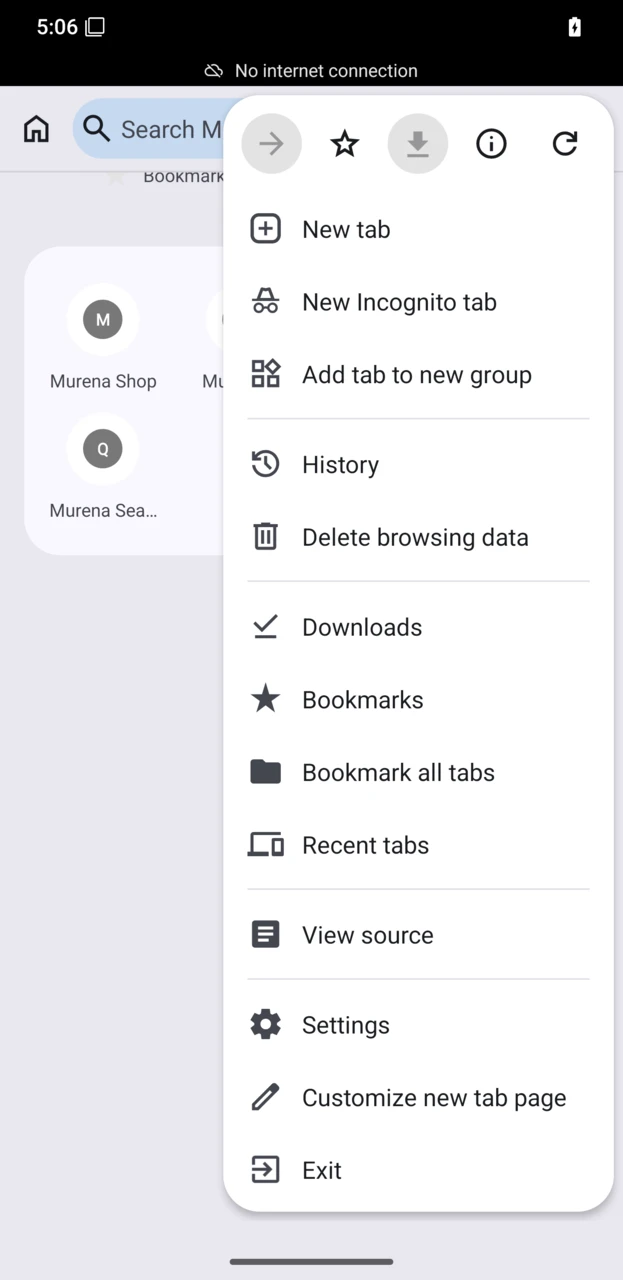
-
In
Settings, tapSearch engine.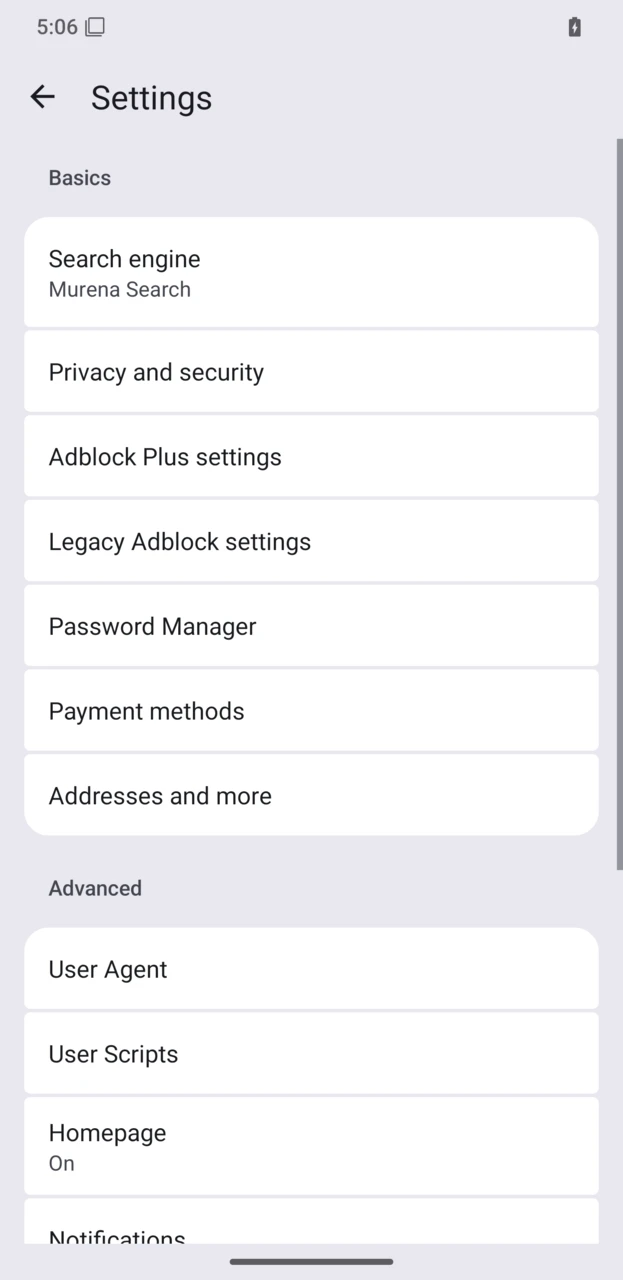
-
Select the search engine you want to use.
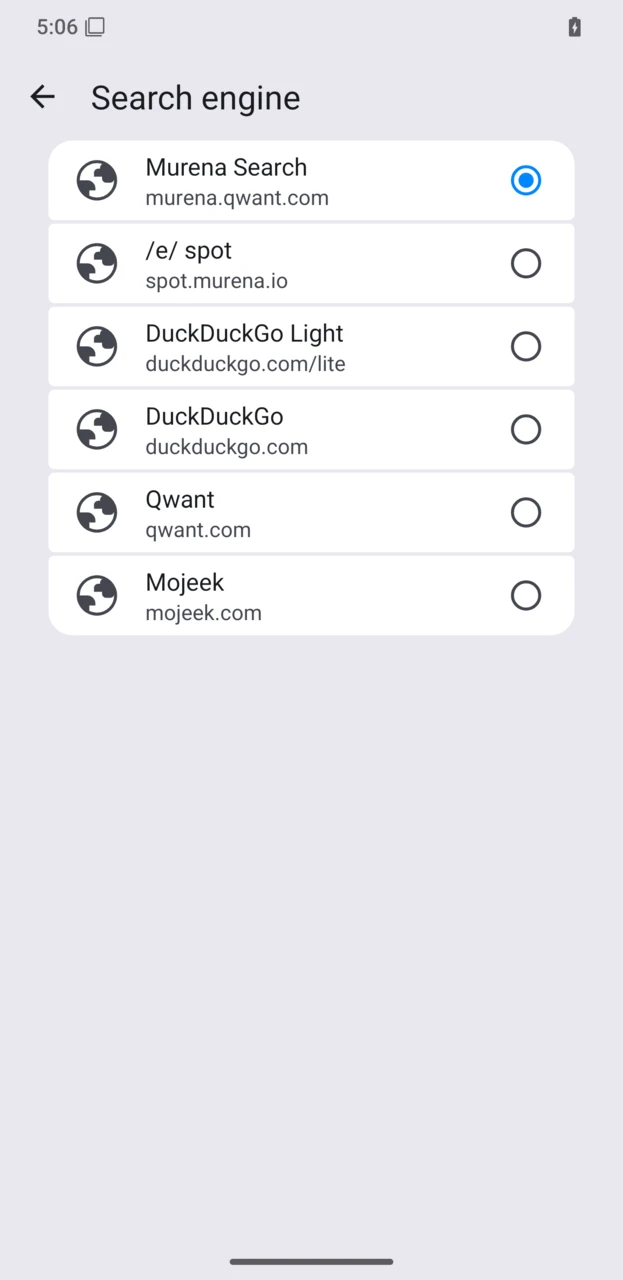
The search engine you selected will be used the next time you search.